|[](https://www.imdb.com/title/tt8225204)|
|:-:|
|*A Russo-Japanese War veteran partners with an Ainu girl to find a treasure stolen from her people, but they’re not the only ones pursuing the gold.*|
|Video|[VARYG](https://nyaa.si/view/2060671)|
|----|----|
|Audio|[opusenc (using libopus 1.6)](https://github.com/Chocobo1/opus-tools_win32-build): `--bitrate 128` [JPN](https://nyaa.si/view/2060671)|
|Subtitles|[ENG, SPA-LA, SPA, ARA, FRE, GER, ITA, POR-BR, RUS](https://nyaa.si/view/2060671)|
|Chapters|[VARYG](https://nyaa.si/view/2060671)|
|Target Butteraugli 3-norm|max: `1.25`, intensity target: `203.0`|
|Encoder|[SVT-AV1-HDR v3.1.3-4-g0519bc7](https://github.com/juliobbv-p/svt-av1-hdr): `--crf 5.0-40.0 --preset 4 --tune 1 --noise-adaptive-filtering 1 --ac-bias 1.0 --tx-bias 3 --complex-hvs 1 --hbd-mds 1 --qp-scale-compress-strength 3 --qm-min 2 --qm-max 15 --tile-columns 1 --enable-dlf 2 --enable-tf 2 --fast-decode 2 + ROI Maps`|
|FGS|av1an: `--photon-noise 4-39 --photon-noise-width 1920 --photon-noise-height 1080`|
|Filters|Denoise with vs-denoise: nlm: `h=0.4, tr=2, a=[3,2,2], planes=[0,1,2]`, dering with vs-dehalo, dither with vs-tools|
|Source|Encode|
| ------------- |-------------|
|[](https://i.kek.sh/BQ4ctksXdmU.webp)|[](https://i.kek.sh/GcUHJr85wmF.webp)|
|[](https://i.kek.sh/eIcmfxA71US.webp)|[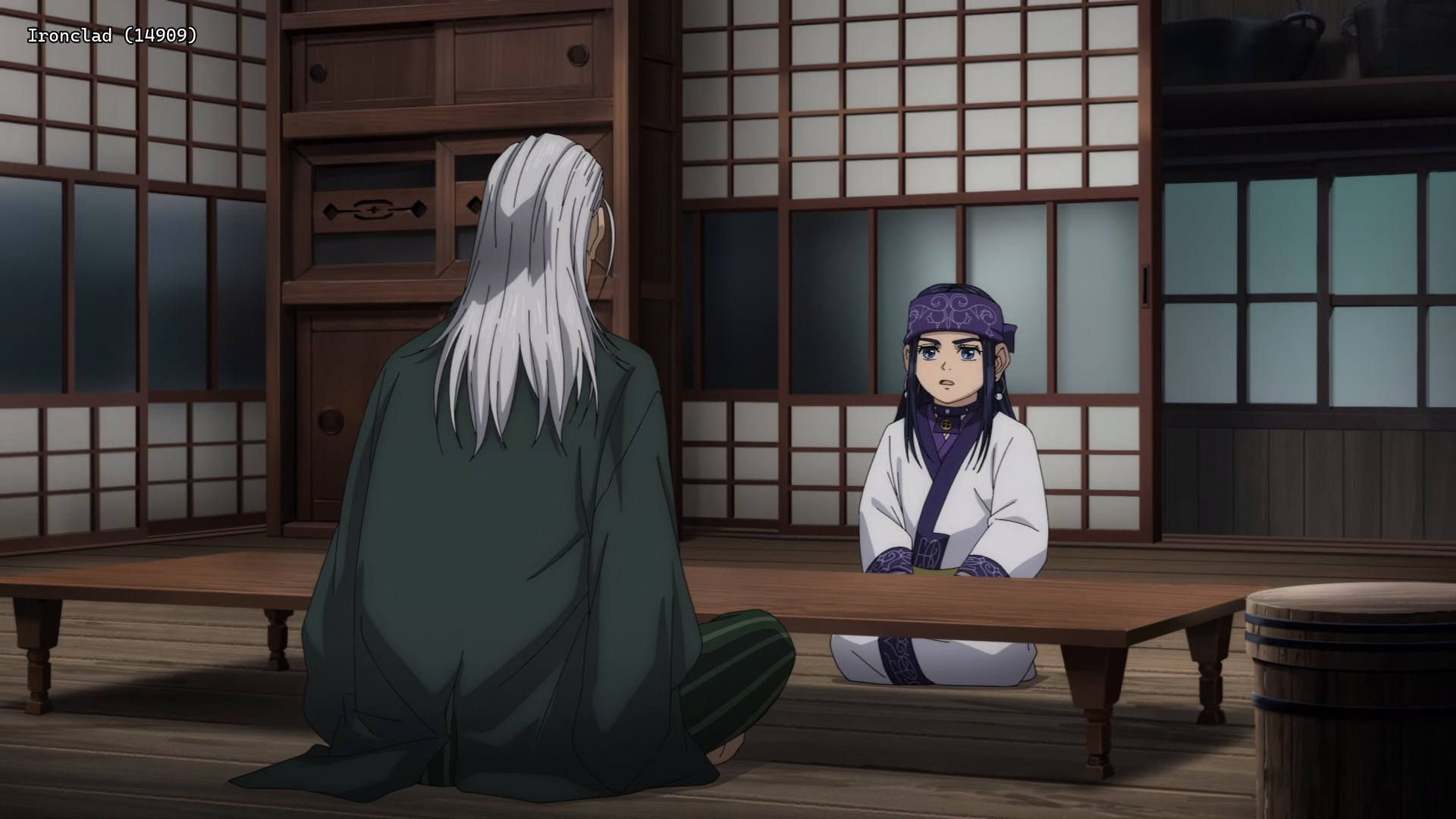](https://i.kek.sh/lJshWPTx1Zq.webp)|
|[](https://i.kek.sh/lTif0hpBBg2.webp)|[](https://i.kek.sh/Q1nEyt51108.webp)|
[Mediainfo](https://rentry.co/a58b2fd5)
> Interested in AV1?: [Discord](https://discord.gg/83dRFDFDp7)
> Recommended players: [MPV](https://thewiki.moe/tutorials/mpv), [MPC-HC](https://github.com/clsid2/mpc-hc)
>
> Language Options: You can [download here](https://mega.nz/folder/kcQhWZCA#c4wfvx2RXI9XN8XeBso09g) two scripts that do the following (Windows/macOS-Linux):
>
> Keep Japanese: Throws out all audio tracks other than Japanese
> Keep English: Throws out all audio and subtitles tracks other than English
> Put all the video files into the Language Options folder and run the corresponding script. The resulting files can be found in the output folder.
>
> Note: [MKVToolNix](https://mkvtoolnix.download/downloads.html) must be installed on your system
Comments - 0